
Manage quotes, orders, invoices, and customers all in one place.
Streamline Your Sales Process
The Selling Module in ERP helps you manage your entire sales process and keep your customers happy.
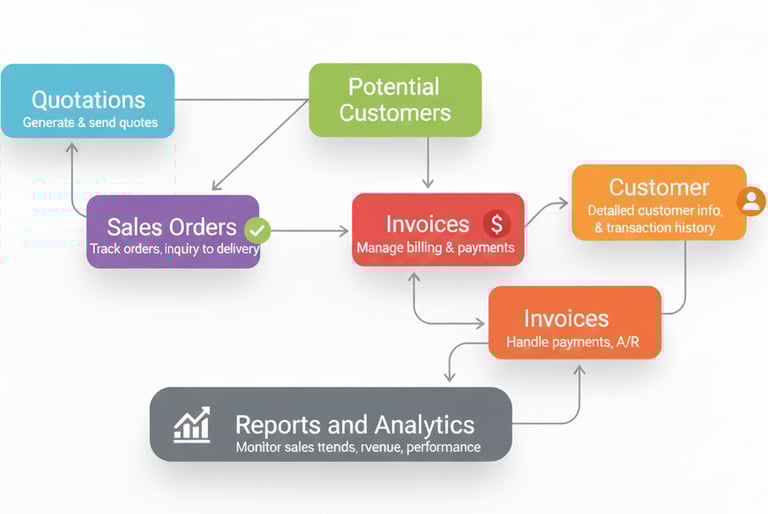
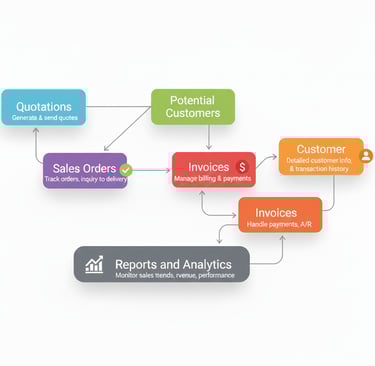
Quotations
Easily create and send quotes to potential customers, then turn them into sales orders.
Sales Orders
Track and manage orders from the first inquiry all the way to delivery.
Invoices
Generate invoices, handle payments, and keep track of what customers owe.
Customer Management
Keep detailed records of your customers, including contacts, purchase history, and credit limits.
Reports & Analytics
See how your sales are performing, track revenue, and understand customer trends to make smarter business decisions.
ERP handles every step of your selling transactions — from processing orders and delivering products or services to collecting payments. The system also ensures:
Selling Essentials
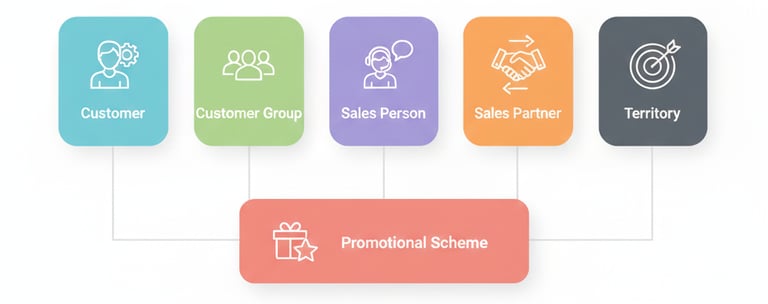
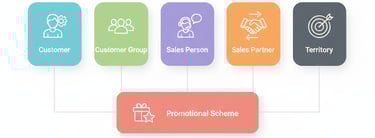
In ERP Selling module, master doctypes are essential for managing all sales-related data and processes.
By using master doctypes efficiently, businesses can streamline sales operations, maintain accurate customer records, track transactions, and ensure timely invoicing and payment collection. This leads to better customer satisfaction and improved overall business performance.
Seamless communication with customers
Real-time inventory updates
Integration with accounting for accurate financial records
Sales Reports
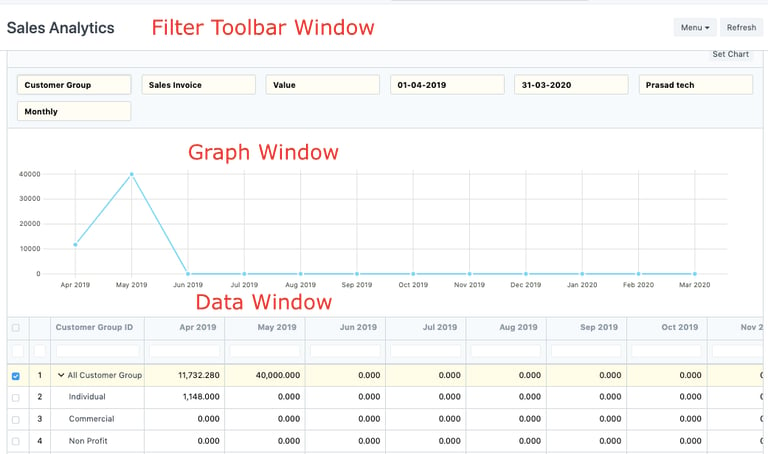
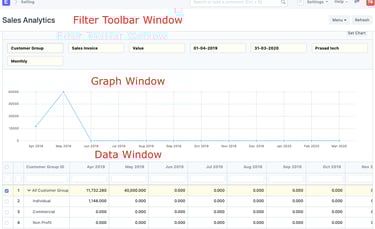
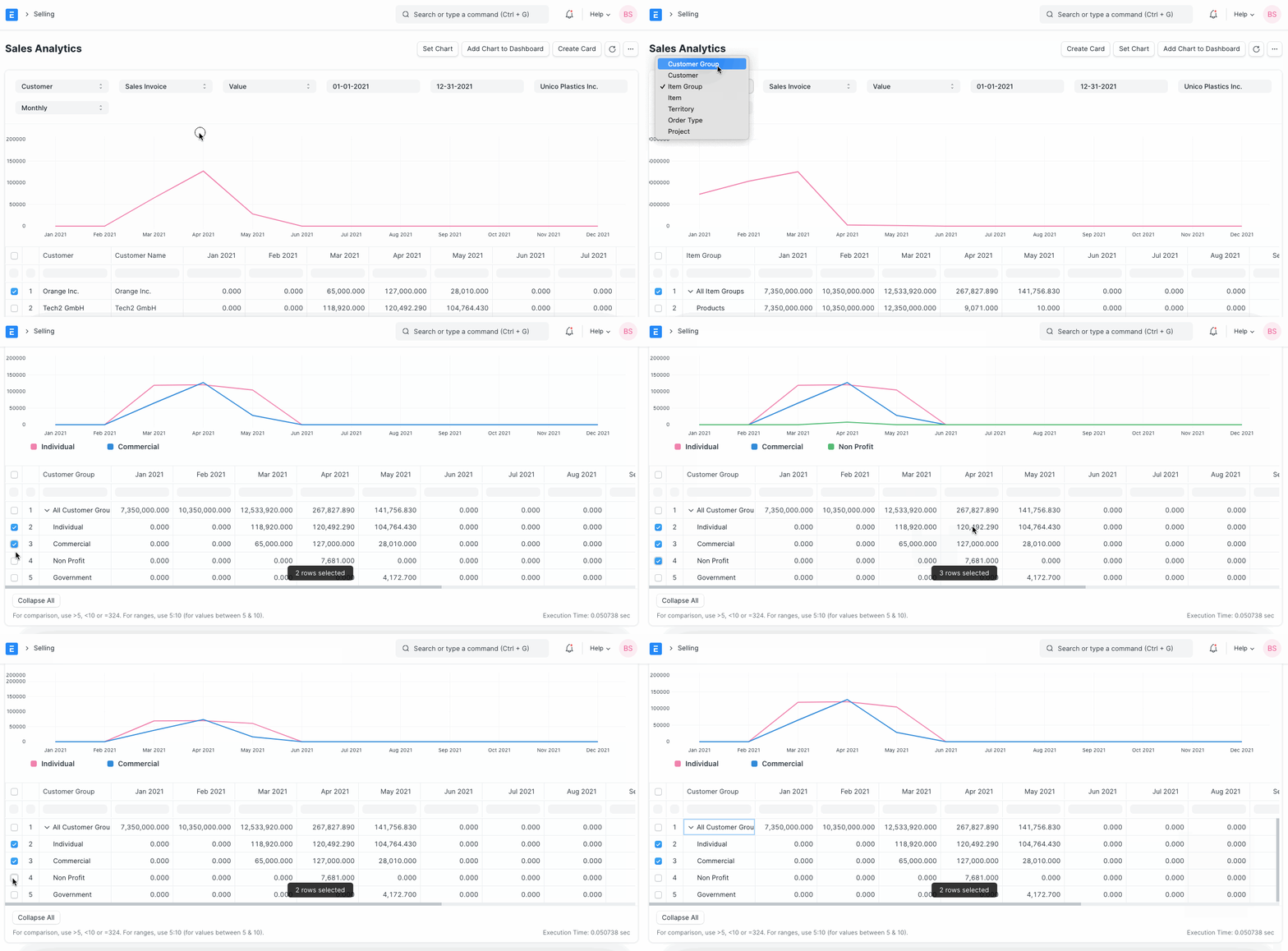
Monitor your company’s sales performance and analyze data from multiple perspectives. Use filters to dynamically adjust the information displayed. The Sales Analytics Report consists of three main areas: the Filter Toolbar, the Graph Window, and the Data Window, providing a comprehensive view of your sales performance.
Sales Simplified
Manage quotes, orders, and invoices seamlessly with real-time insights.


Quotations
Send personalized quotes and quickly turn them into confirmed sales orders.
Customer Care
Keep detailed customer records and track transactions effortlessly.