
Intelligent Inventory Control
Keep your inventory flowing smoothly with precise tracking and smart management tools.
The Stock Module in ERPNext is a powerful tool to manage inventory and streamline your supply chain. It helps businesses track stock, control operations, and make smarter decisions.
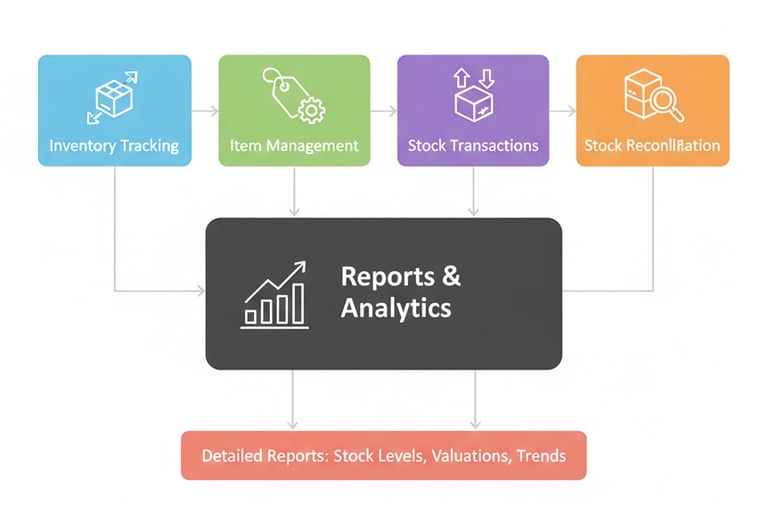
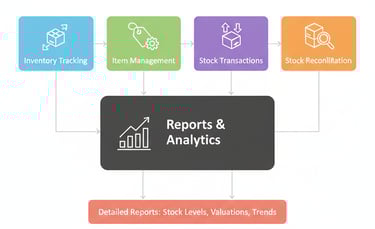
Inventory Tracking
Monitor stock levels, track item movements, and manage multiple warehouses efficiently.
Item Management
Organize products, manage variants, and set pricing to keep your inventory accurate and up-to-date.
Stock Transactions
Record and process all stock activities, including receipts, deliveries, and transfers.
Stock Reconciliation
Conduct periodic audits to ensure your records match the physical inventory.
Reports & Analytics
Generate detailed reports on stock levels, valuations, and trends to support better business decisions..
With the Stock Module, your business can maintain optimal inventory, reduce costs, and improve overall efficiency.
Stock Masters
In ERP, Stock Masters are the backbone of inventory management.
These master records act as templates for storing important stock-related information, such as items, warehouses, batches, and stock transactions. They provide a structured way to input, store, and retrieve data about stock items, their attributes, and movements.
By using Stock Masters, businesses can:
Keep accurate inventory records
Track stock movements in real time
Make informed decisions on procurement, sales, and inventory optimization
Inventory Account
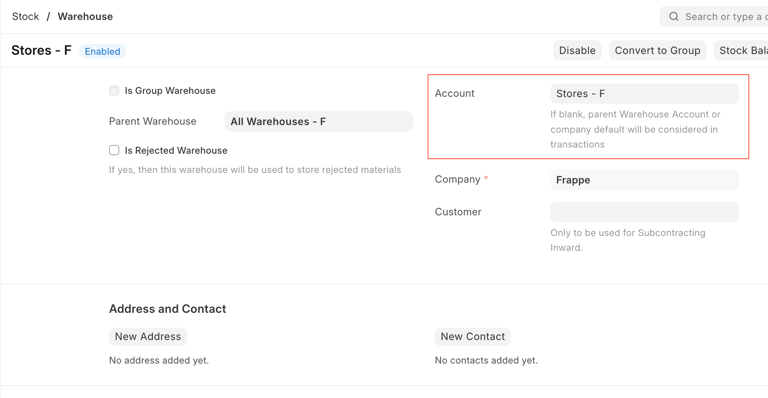
In ERP, inventory accounts can be managed at different levels to suit your business needs.
Users can manage inventory by setting up warehouse-specific accounts or by using the default Inventory Account defined in the Company master, typically labeled “Stock In Hand.”
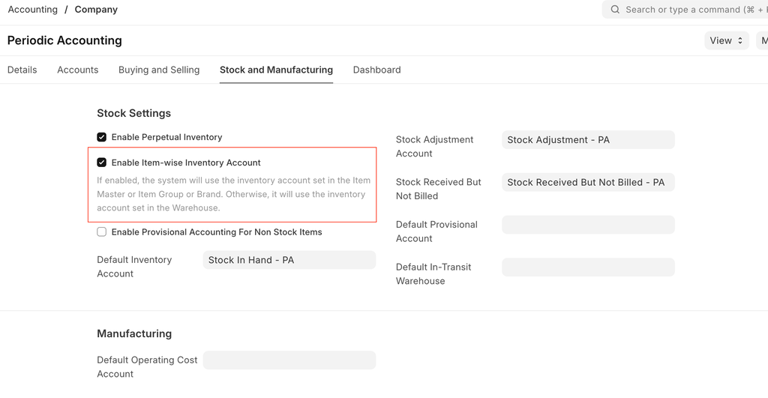
Users can also set item-wise inventory accounts. To do this, they must first enable the “Item-wise Inventory Account” option in the Company master.
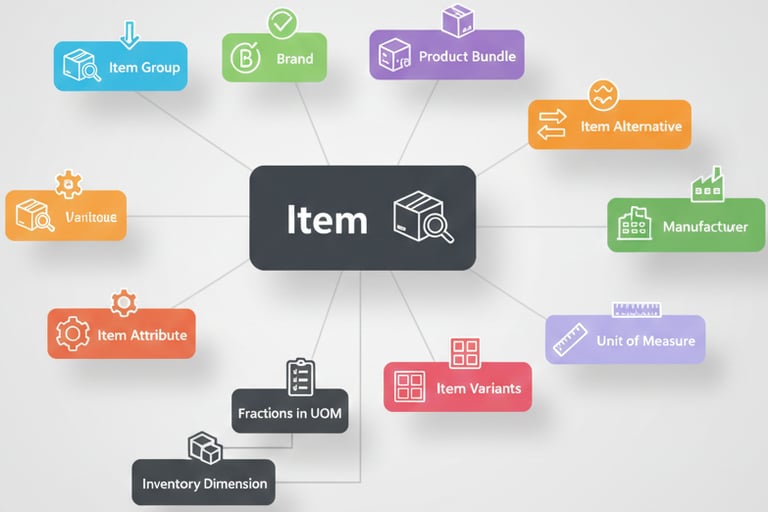
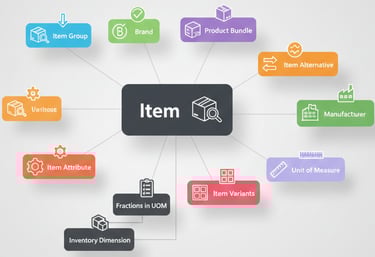
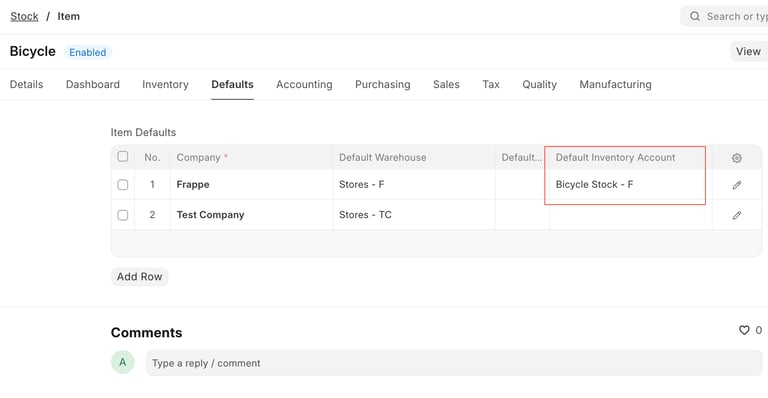
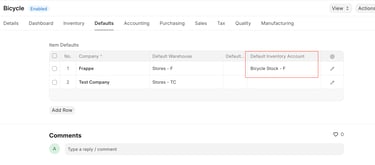
Users can set the default inventory account for each item in the Item master. Alternatively, to avoid setting it individually, they can define a default account at the Item Group or Brand level.
Important: You can choose either item-wise or warehouse-wise inventory accounts, but not both simultaneously.
Stock Management
Streamline inventory with tracking, transactions, and reports.


Inventory Tracking
Keep precise tabs on stock levels and movements.
Item Management
Categorize products and manage pricing easily.
Stock Reconciliation
Ensure records match your actual inventory.